
Download MultiWindows Demo – Experimental Game, Drag and Drop Mechanics, Windowed Travel, Multi-World Exploration
Overview
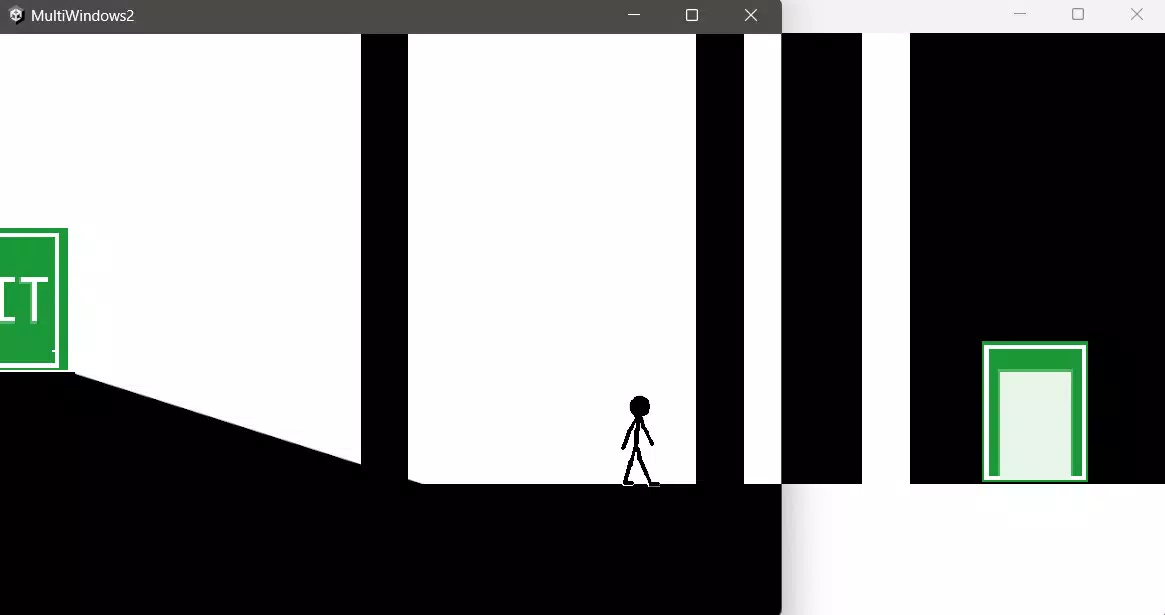
MultiWindows Demo presents a unique experimental approach to interactive gaming, centered around the concept of window-based navigation and world exploration. Designed as a prototype, the app allows players to interact with a dynamic environment by manipulating draggable windows, each representing a portal to a different world. This innovative mechanic redefines conventional gameplay by transforming the screen into a multi-layered interface where movement and interaction are governed by window placement and manipulation. The game aims to explore new dimensions of player agency, encouraging users to experiment with spatial relationships and environmental transitions.
Targeted primarily at early adopters, indie game enthusiasts, and developers interested in prototype mechanics, MultiWindows Demo serves as a testing ground for novel interaction models. It is particularly relevant in the evolving mobile gaming ecosystem, where experimental mechanics are gaining traction. The app is built using Unity, a widely recognized engine for cross-platform development, which suggests a foundation capable of supporting future enhancements. While still in an early stage with known bugs and limited features, the demo offers valuable insights into future design possibilities. Real-world use cases include educational demonstrations of interface design, gameplay prototyping, and community-driven feedback collection for future releases.
Key Features & Functionality
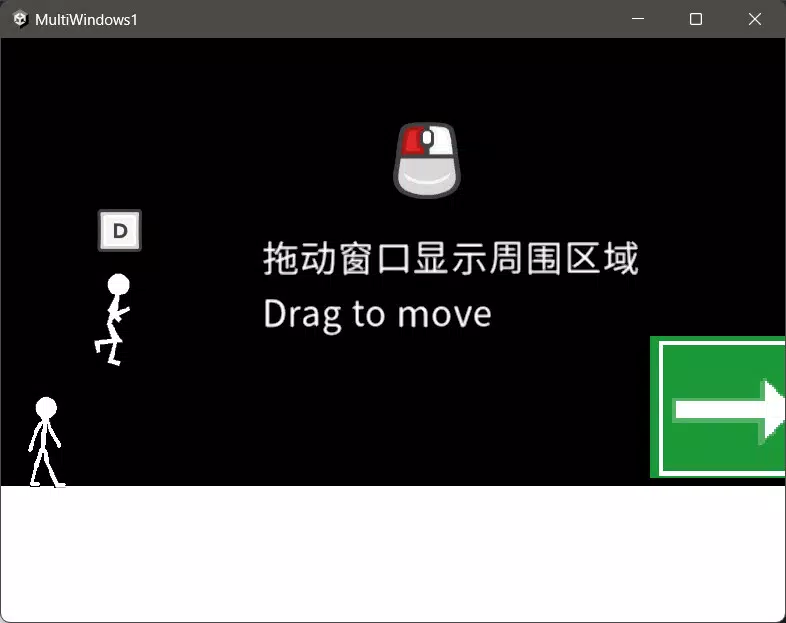
- Drag and Drop Mechanics: Players can interact with the game world by dragging and dropping windows across the screen. This intuitive control scheme reduces the learning curve and promotes immediate engagement, allowing users to experiment with different configurations and spatial arrangements.
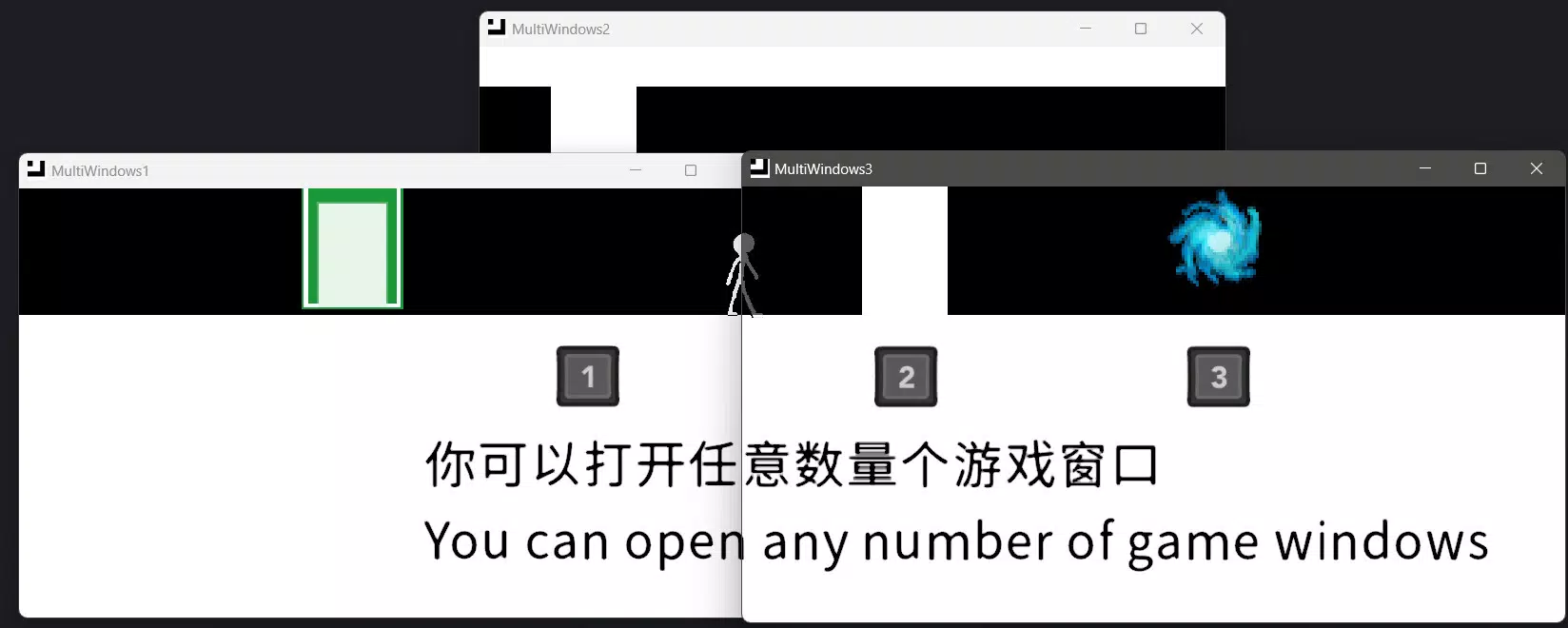
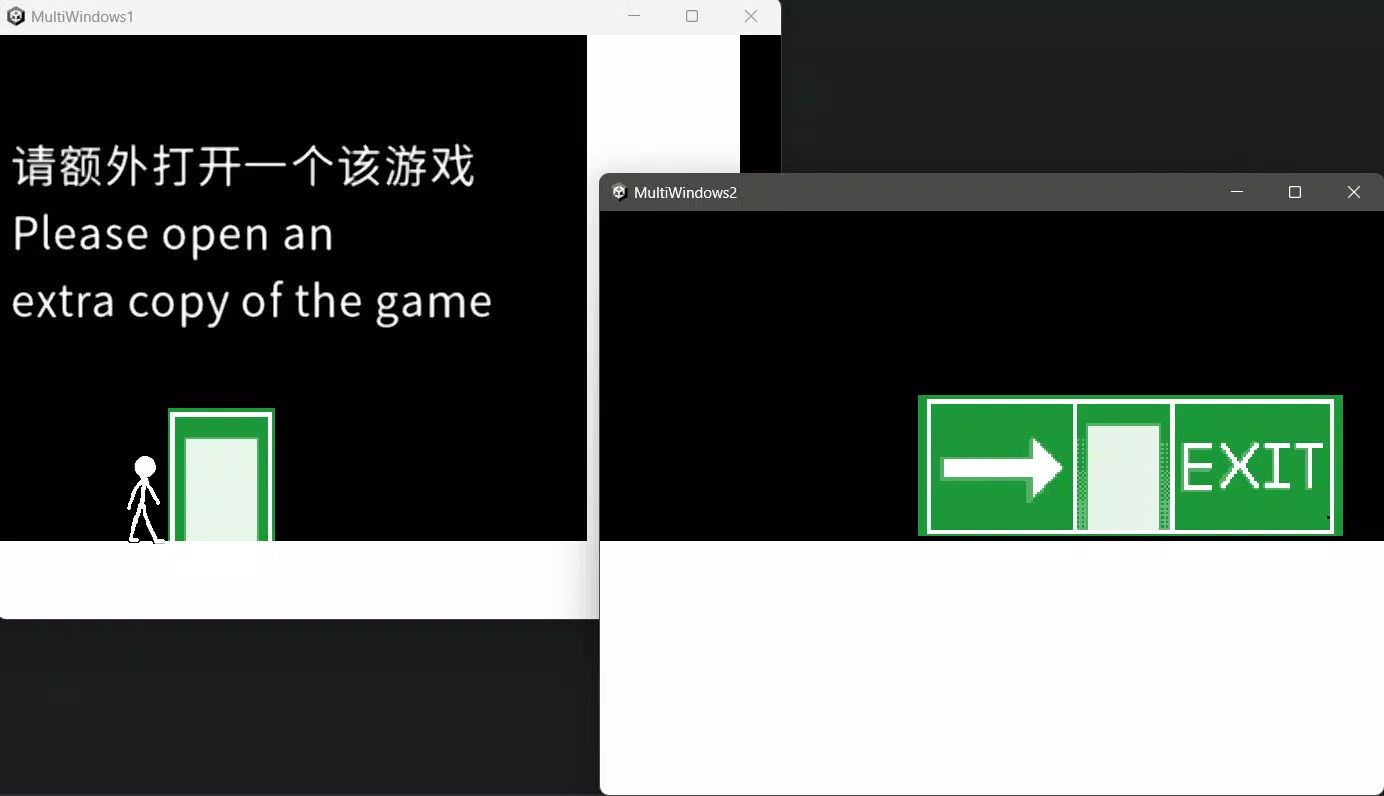
- Multiple Window Interaction: The app supports opening several windows at once, each linked to a distinct environment. This enables simultaneous exploration of different worlds, fostering a layered gameplay experience that diverges from linear progression.
- Windowed Travel: Characters can move through open windows to transition between worlds, creating non-linear pathways and introducing an innovative twist on traditional traversal mechanics. This feature encourages strategic thinking and spatial awareness.
- Early Access Insights: As a demo version, MultiWindows Demo offers players a behind-the-scenes look at the development process. Users can report bugs and share feedback, contributing to the refinement of the final product and fostering a collaborative relationship with the developer.
- Dual Language Support: The app is available in both English and Chinese, though the localization appears to be a mix of machine translation and basic proofreading. This supports broader accessibility while indicating potential for future improvements in language quality.
Real-World Use Case Examples
For developers, the demo serves as a practical example of how window-based interactions can be implemented in mobile games. For players, it offers a sandbox-like experience where trial and error is encouraged. In educational settings, it can demonstrate principles of user interface design and game mechanics prototyping.
Interface, UX & Performance
The user interface of MultiWindows Demo is minimalistic, emphasizing the window as the central interactive element. The visual style is abstract, with clean lines and simple color schemes that help maintain focus on the core mechanics. Navigation is primarily gesture-based, relying on drag and drop actions, which aligns with mobile touch standards. The layout is designed to accommodate various screen sizes, though specific responsiveness details were not provided.
Performance appears to be functional but not optimized for all device categories. Although the developer did not list formal performance metrics, the app’s early stage suggests that frame rate consistency and memory usage may vary across devices. Stability may be affected by known bugs, particularly during rapid window transitions.
Users should expect occasional crashes or lag, especially on lower-end hardware. The app’s responsiveness to touch inputs is generally consistent, but delays may occur during complex interactions. Overall, the UX prioritizes experimentation over polish, which is appropriate for a demo version.
Platform Compatibility & Technical Requirements
MultiWindows Demo is available on Android and iOS platforms, though specific OS versions were not listed. The app’s file size is not disclosed, making it difficult to assess installation feasibility on devices with limited storage. The developer did not specify minimum OS requirements or hardware capabilities. Compatibility information was not fully disclosed, so users are advised to ensure their device meets general mobile app standards. The latest version was released on January 19, 2025.
Pros and Cons
Pros
- Intuitive drag-and-drop interaction model enhances accessibility.
- Multiple window support enables layered, multi-world exploration.
- Windowed travel mechanic introduces a novel gameplay twist.
- Early access format encourages user feedback and community involvement.
- Supports both English and Chinese, increasing global accessibility.
Cons
- App is in early development with known bugs and incomplete features.
- Performance may vary across different device categories.
- Language localization appears to be machine-translated with minimal proofreading.
- Technical specifications and compatibility details were not fully disclosed.
- File size and OS requirements are not listed, limiting installation planning.
FAQ
Is MultiWindows Demo free to download?
The app’s pricing information was not provided. Users should check the app store listing for current availability and cost.
Can I play MultiWindows Demo on both Android and iOS?
Yes, the app is available on both Android and iOS platforms. Specific OS version requirements were not listed.
Is the app safe to install?
As with any third-party or experimental app, users should download from official app stores to ensure security. The developer did not provide additional security details.
Are there plans for future updates?
Yes, the developer has indicated that updates are planned, including content synchronization with the official version. Community feedback is expected to influence future development.
How can I report bugs or provide feedback?
Players are encouraged to report issues through the official channels provided in the app or developer communications. The demo is designed to collect user input for improvement.
Final Thoughts + CTA
MultiWindows Demo stands out as a bold experiment in mobile gaming, offering a fresh take on interaction through its window-based mechanics. While still in an early stage with noticeable limitations, it successfully demonstrates the potential of non-traditional gameplay models. The drag-and-drop interface, multi-world navigation, and community-driven development approach make it a compelling choice for forward-thinking players and developers alike. Its dual language support broadens its reach, and the open feedback loop ensures continuous evolution.
Although not optimized for mainstream audiences yet, the app holds significant promise for those interested in innovation, prototyping, and experimental design. For users seeking a unique, thought-provoking mobile experience, MultiWindows Demo offers more than just a game—it offers a glimpse into the future of interactive media.
Download MultiWindows Demo now


